


@MISTER_ZACHARY
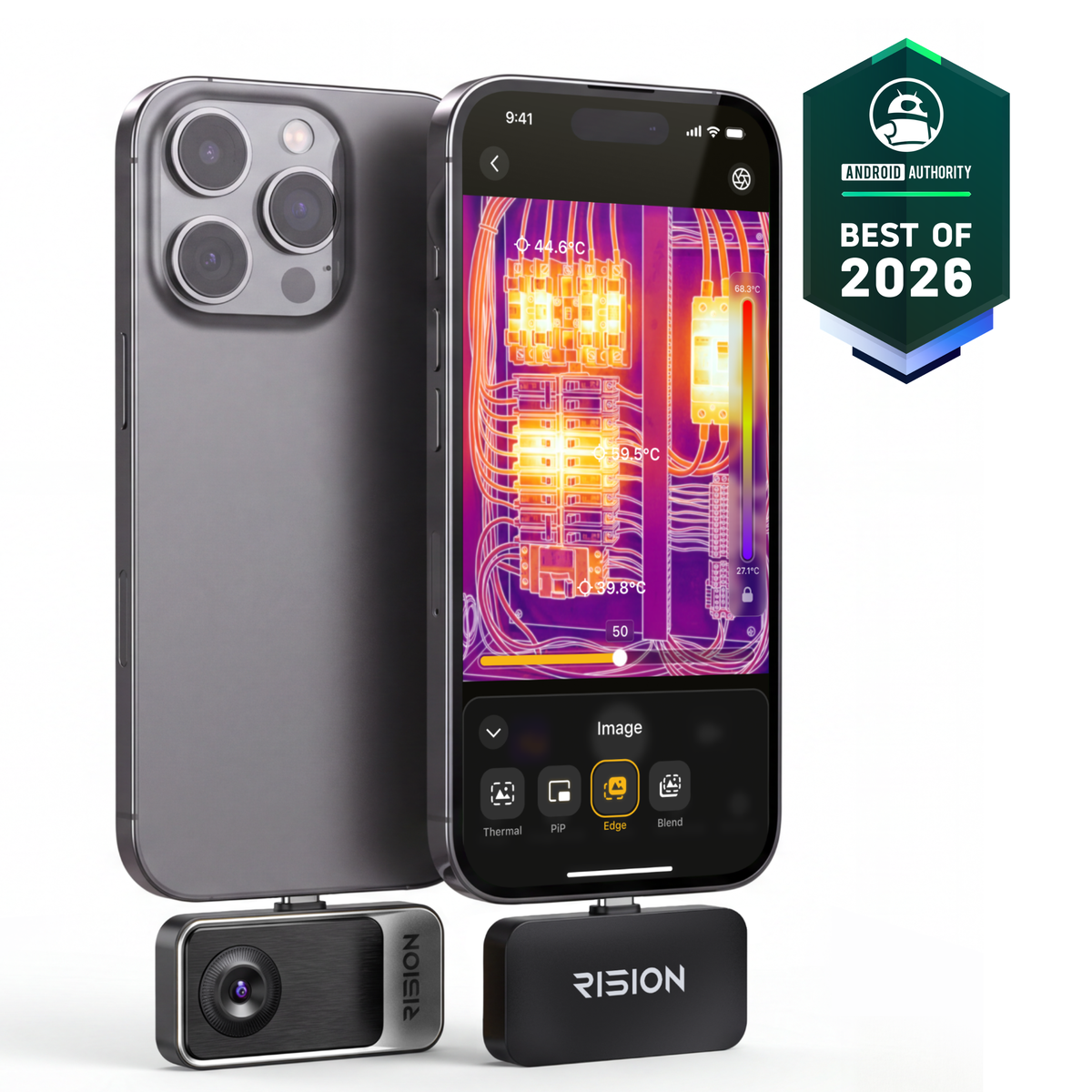






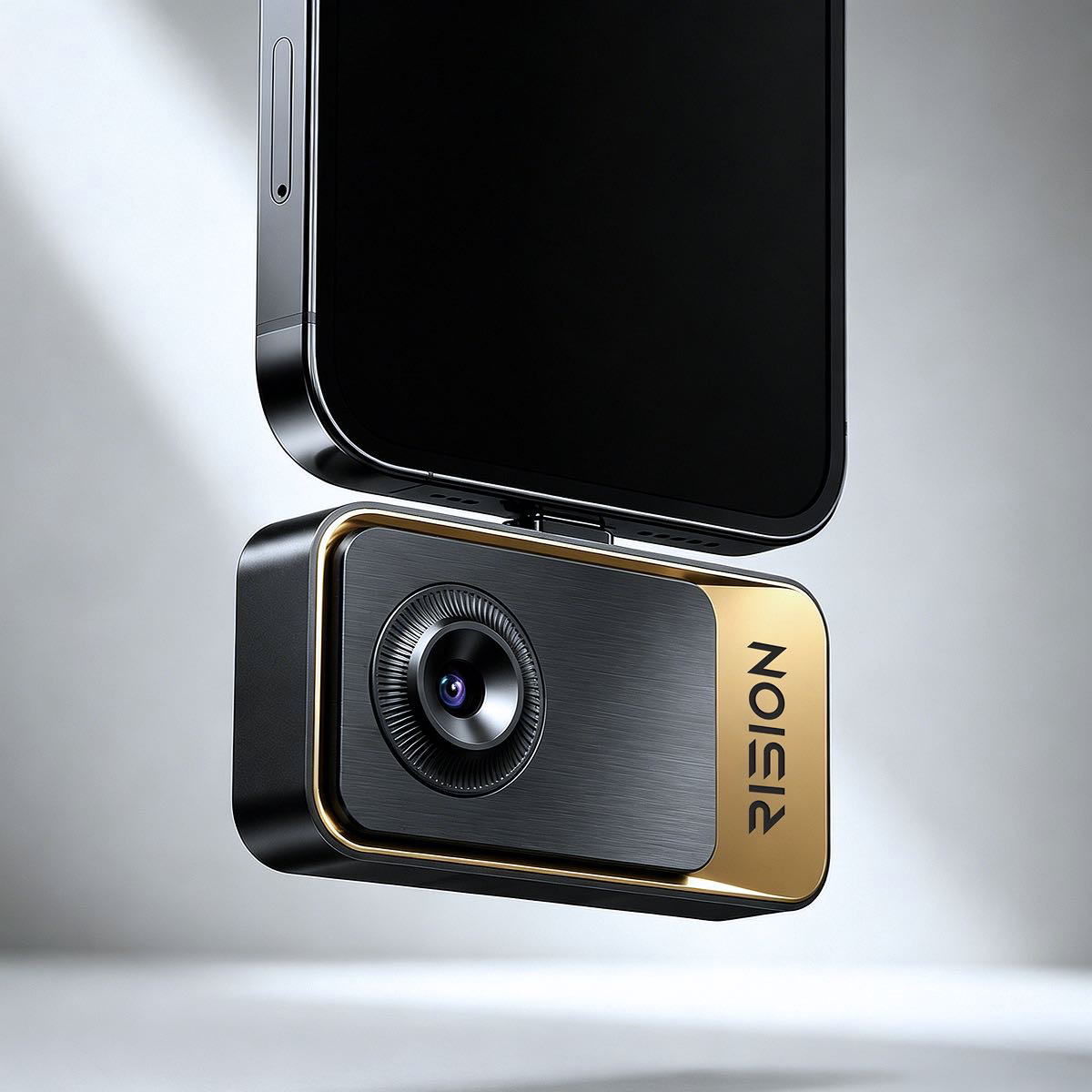
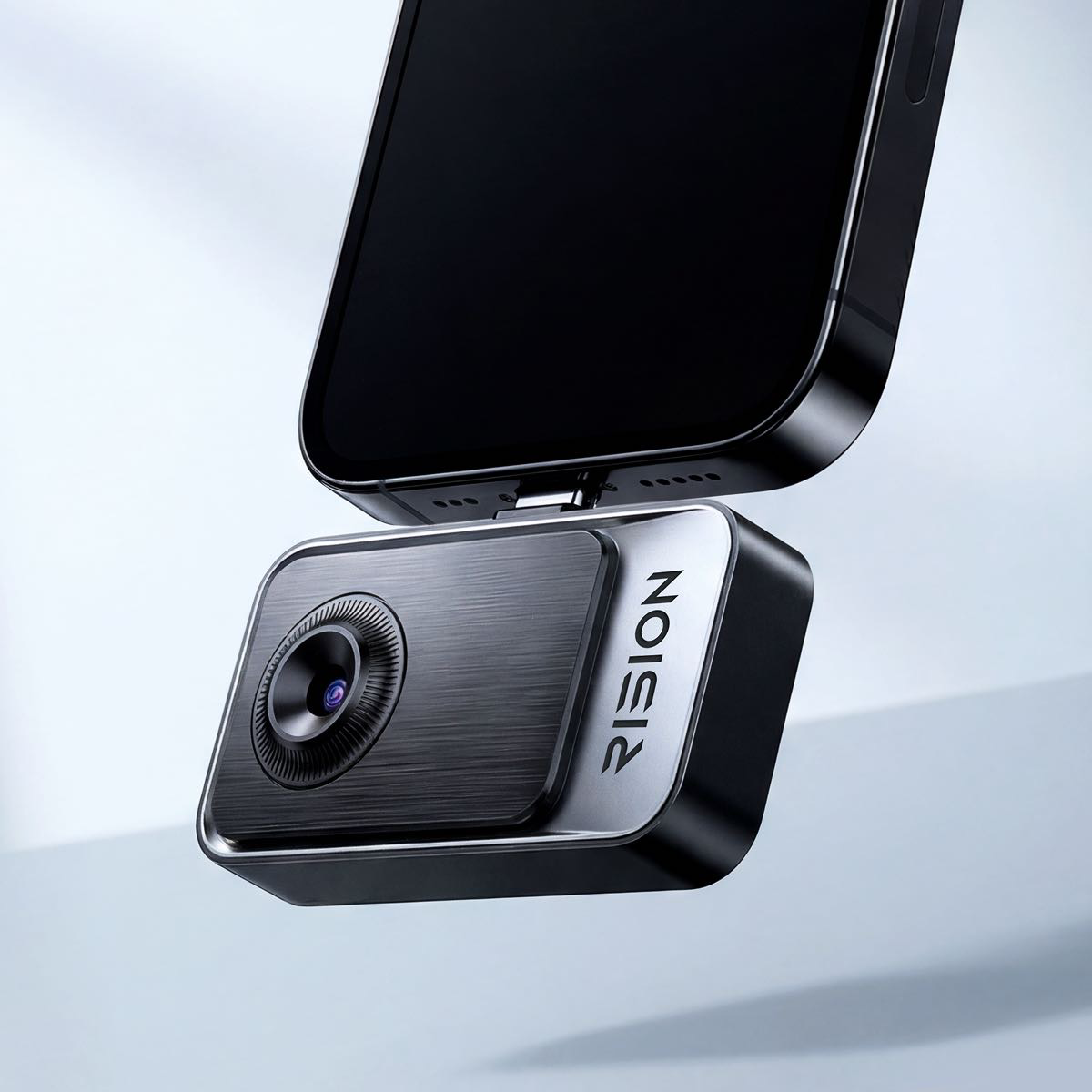
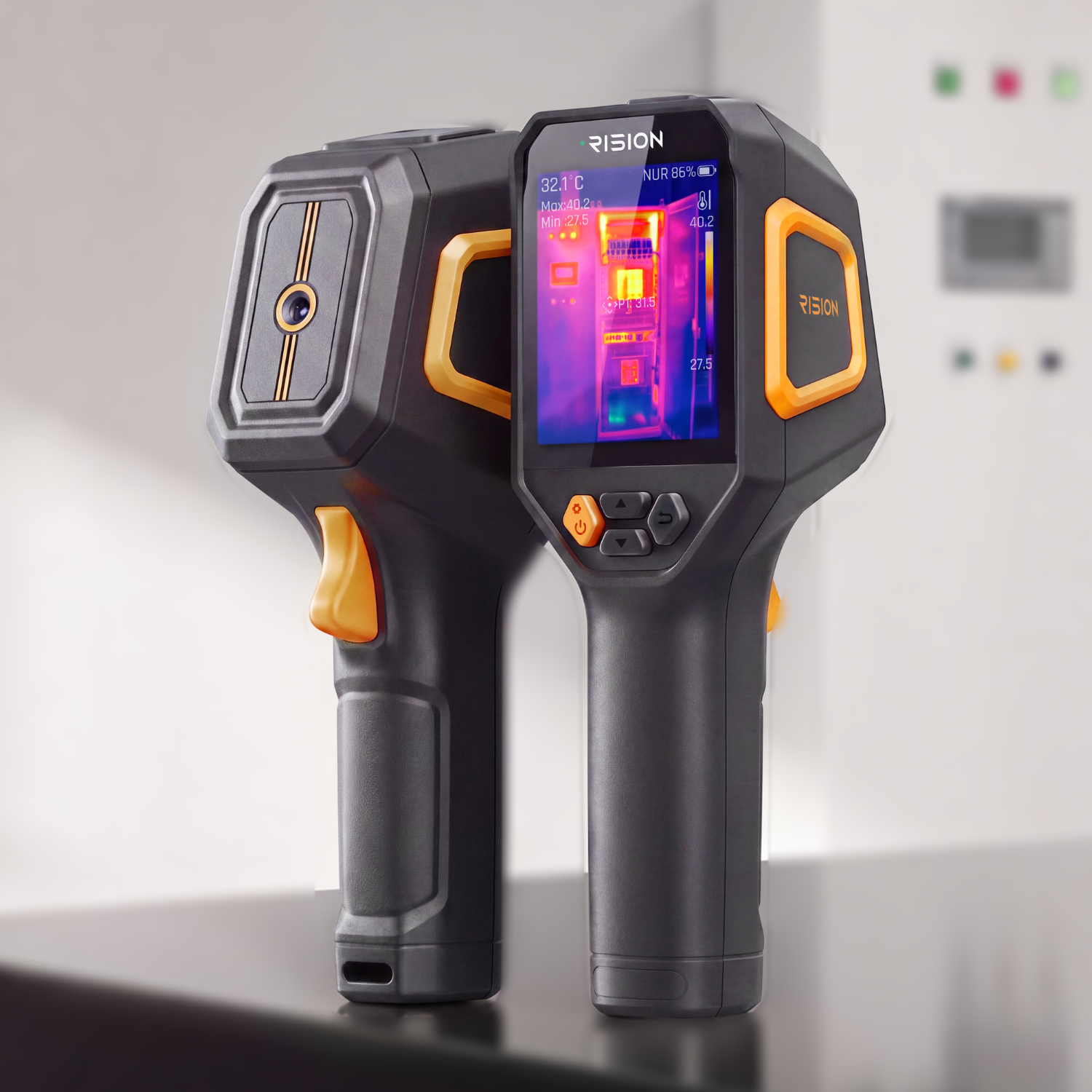
RISION Magic Pro Thermal Camera for Phone | 512×384 Super Resolution
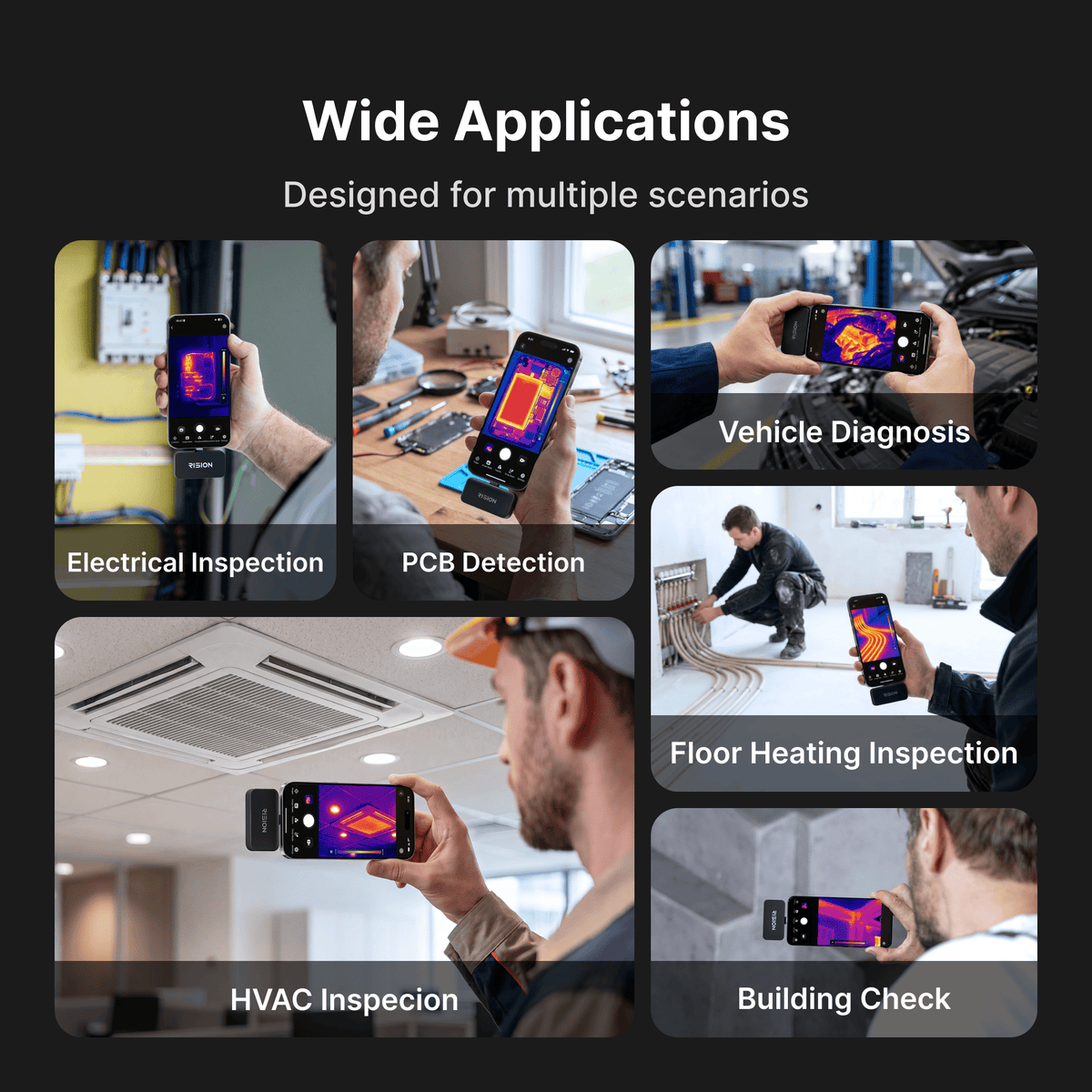
TOP APPLICATIONS
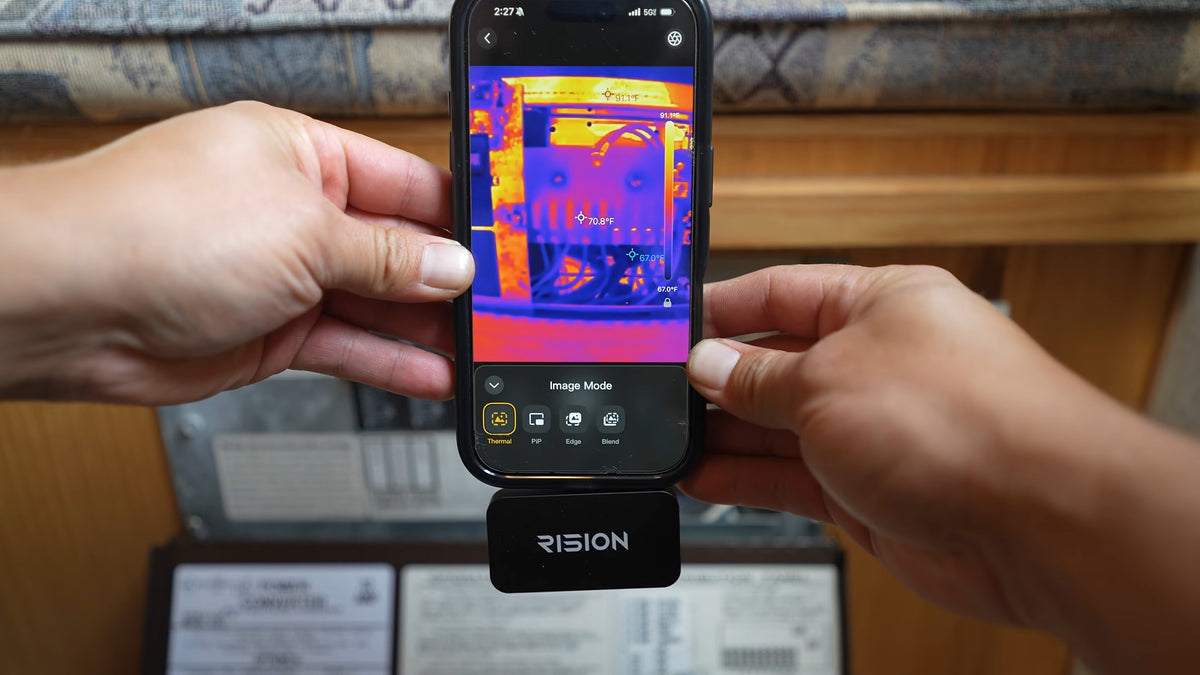
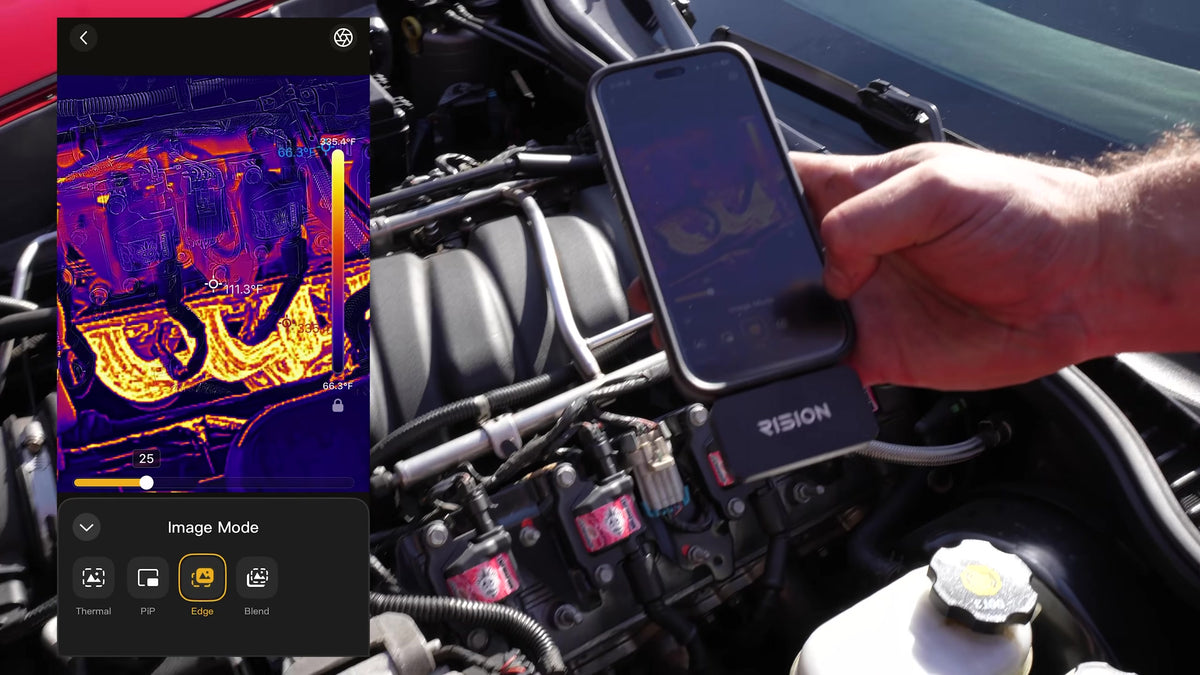
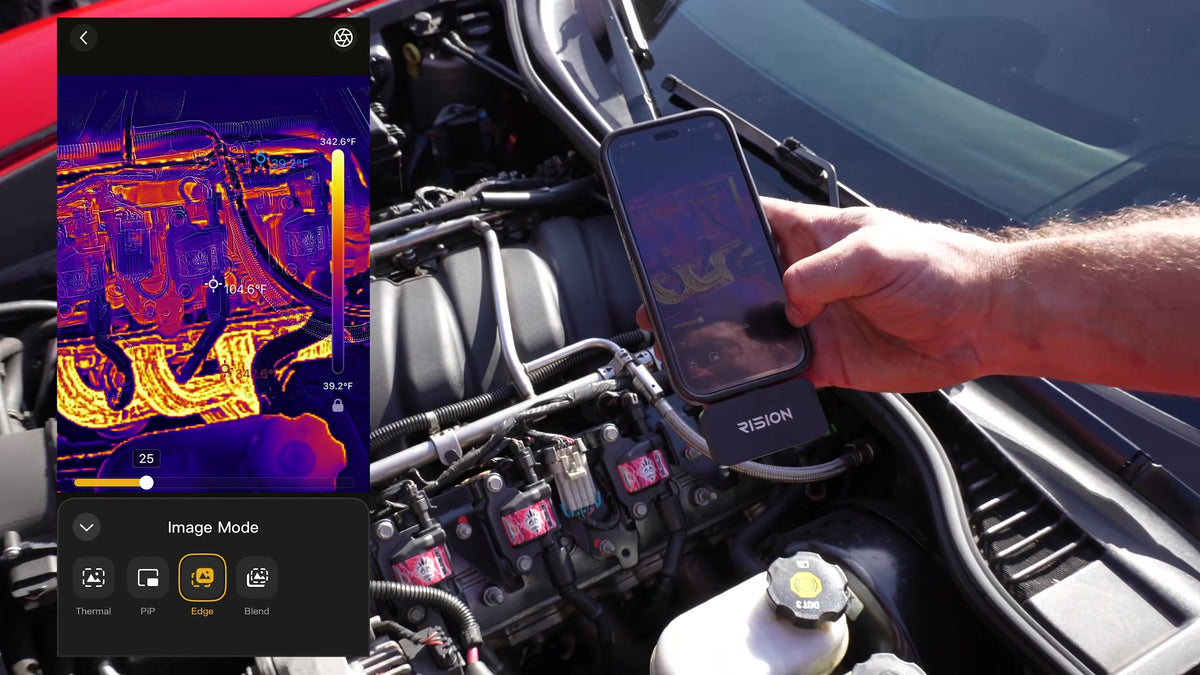
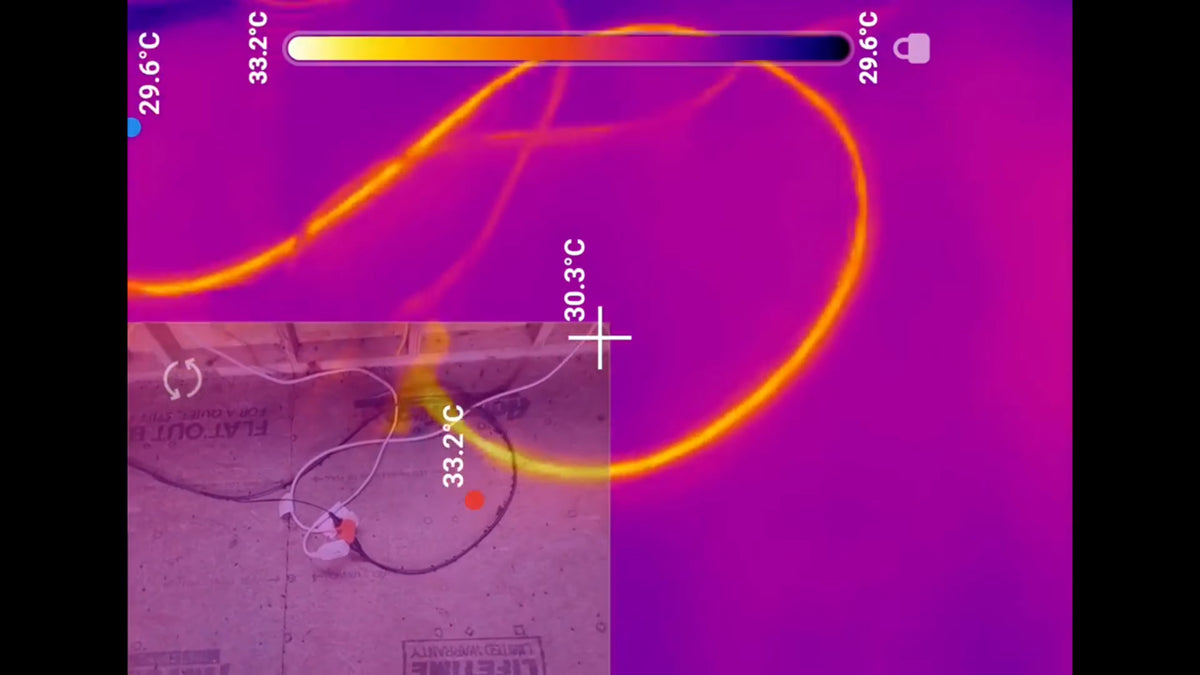
Electrical Troubleshooting
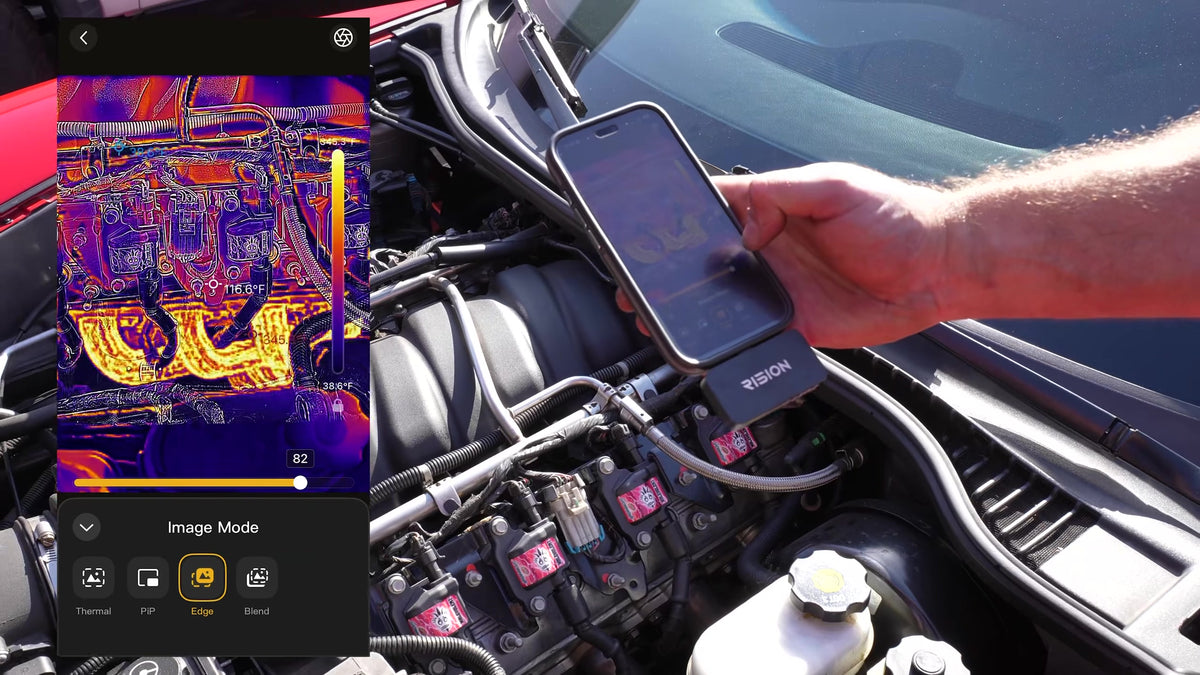
Mechanical & Automotive
PCBA Inspection
HVAC Inspection
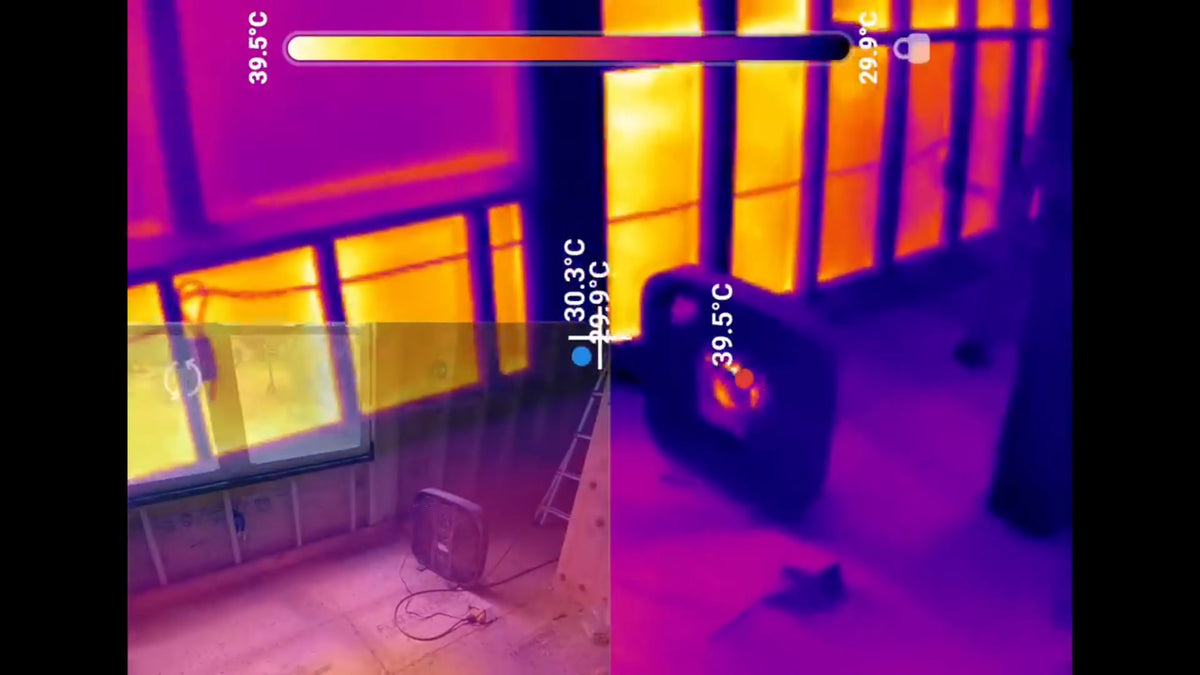
Building & Energy Audits
Tips:Sign Up & Get 5% Off
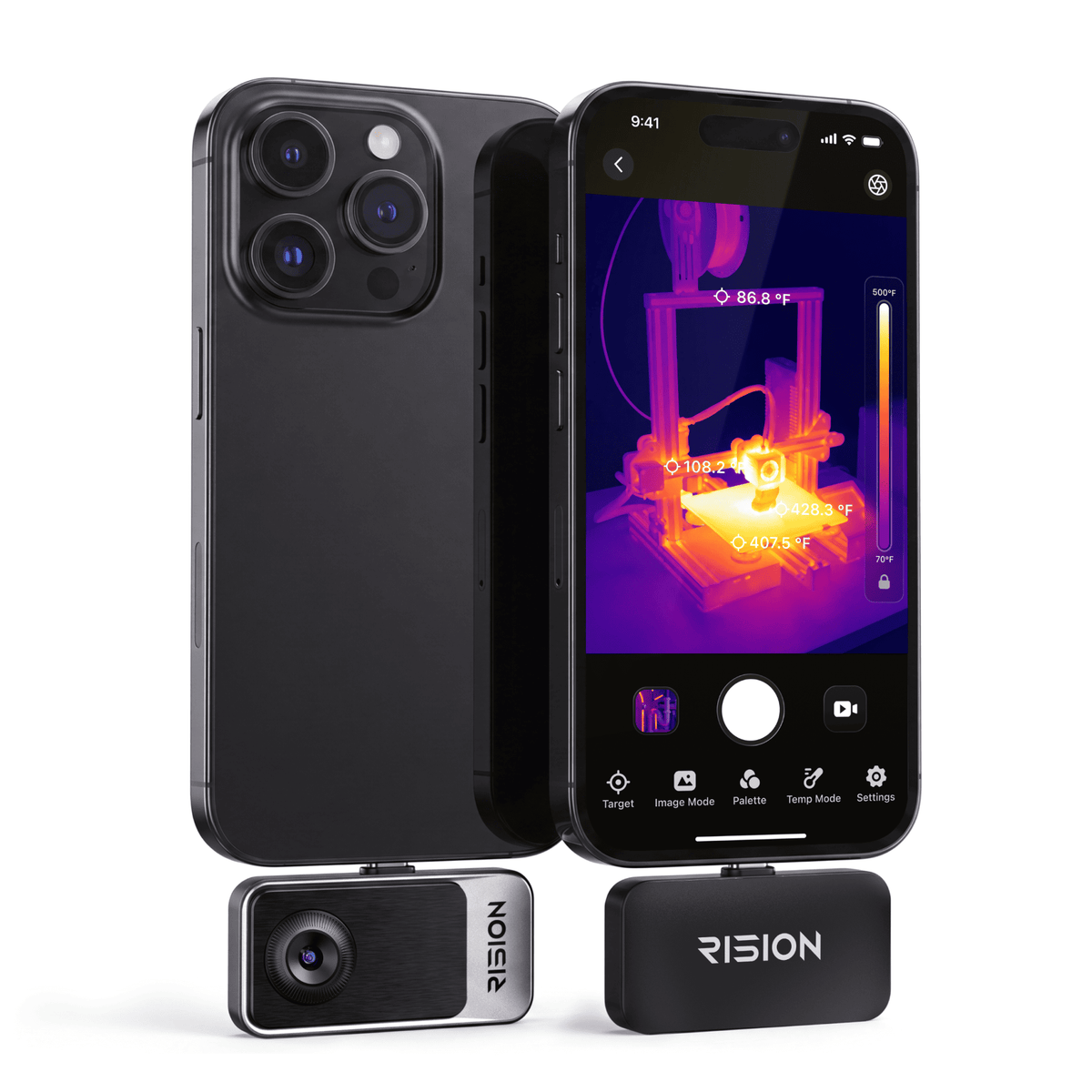
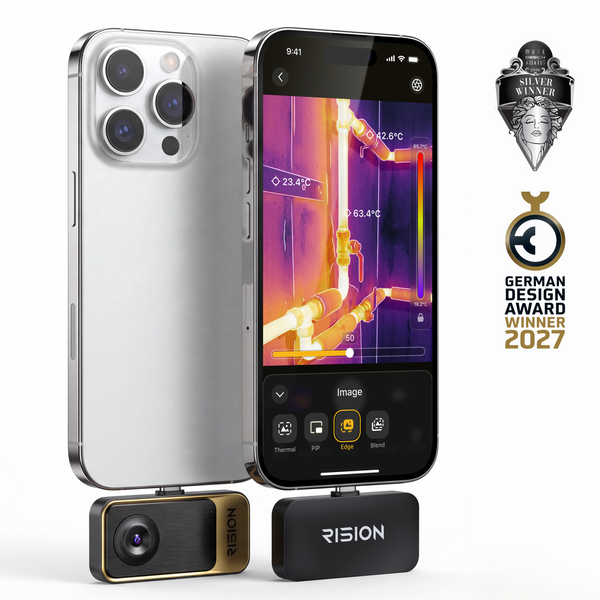
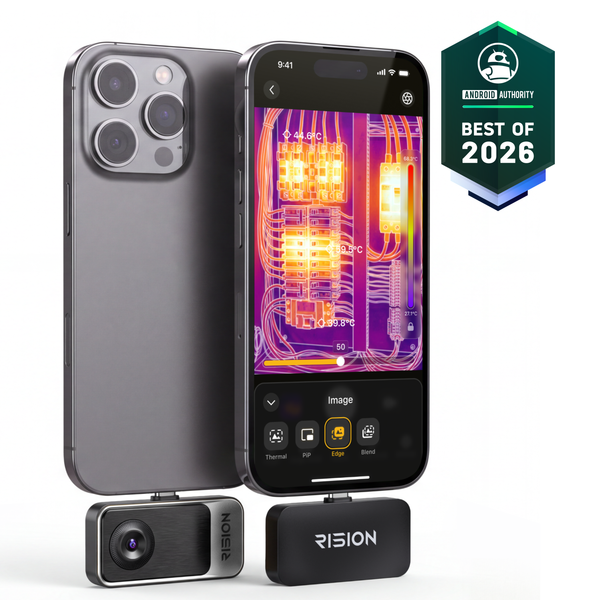
Entry-Level Price, Professional-Level Detail. Get professional thermal imaging at an entry-level price.
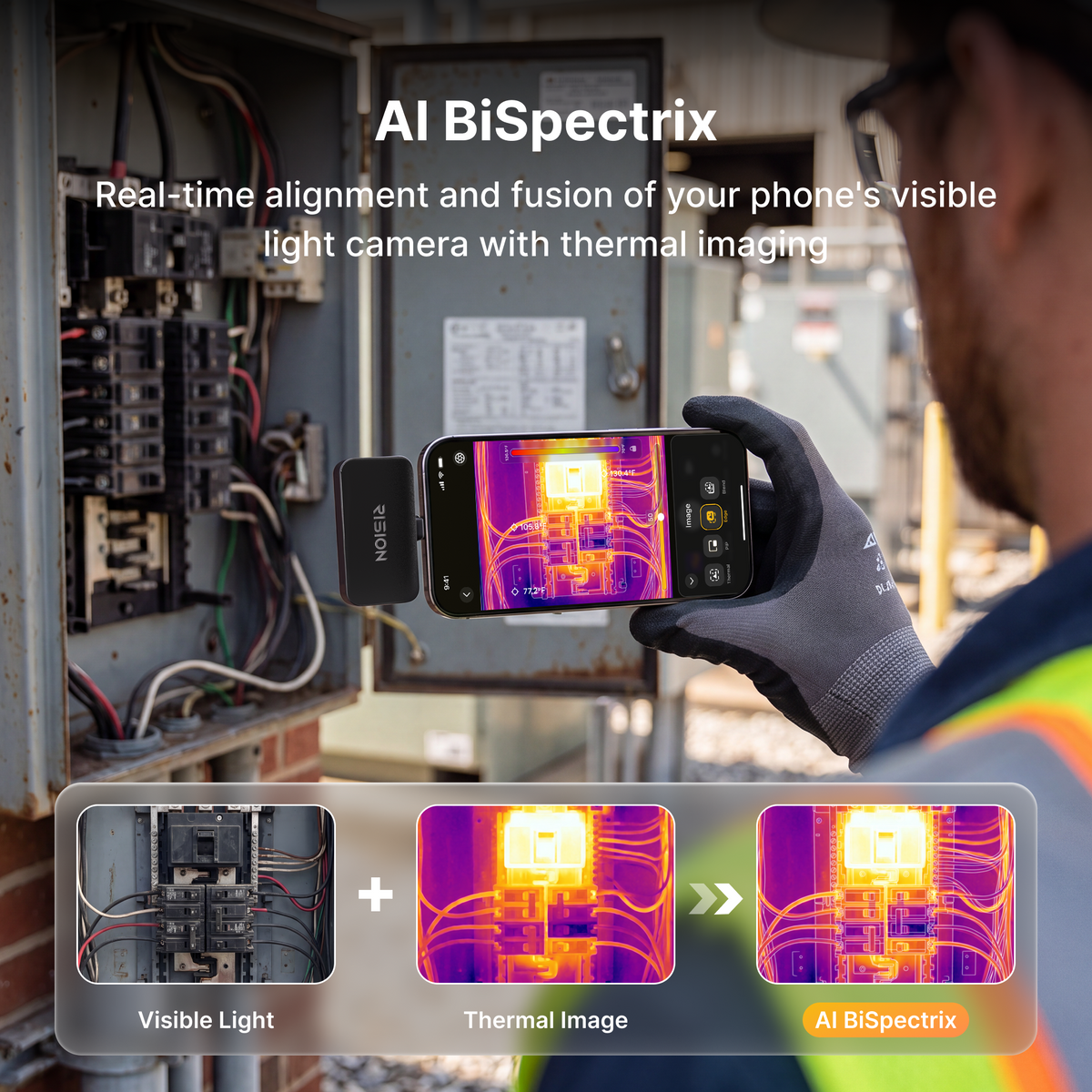
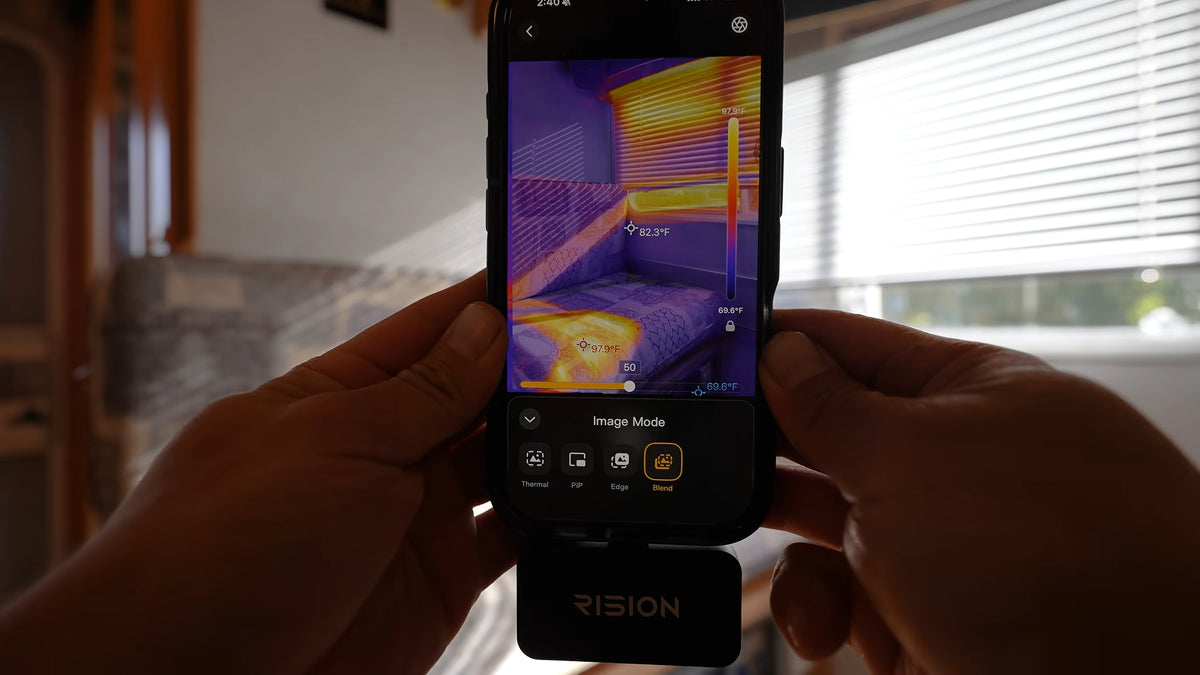
- Single-lens AI dual-light fusion: See thermal and visual details aligned to pinpoint small hot spots.
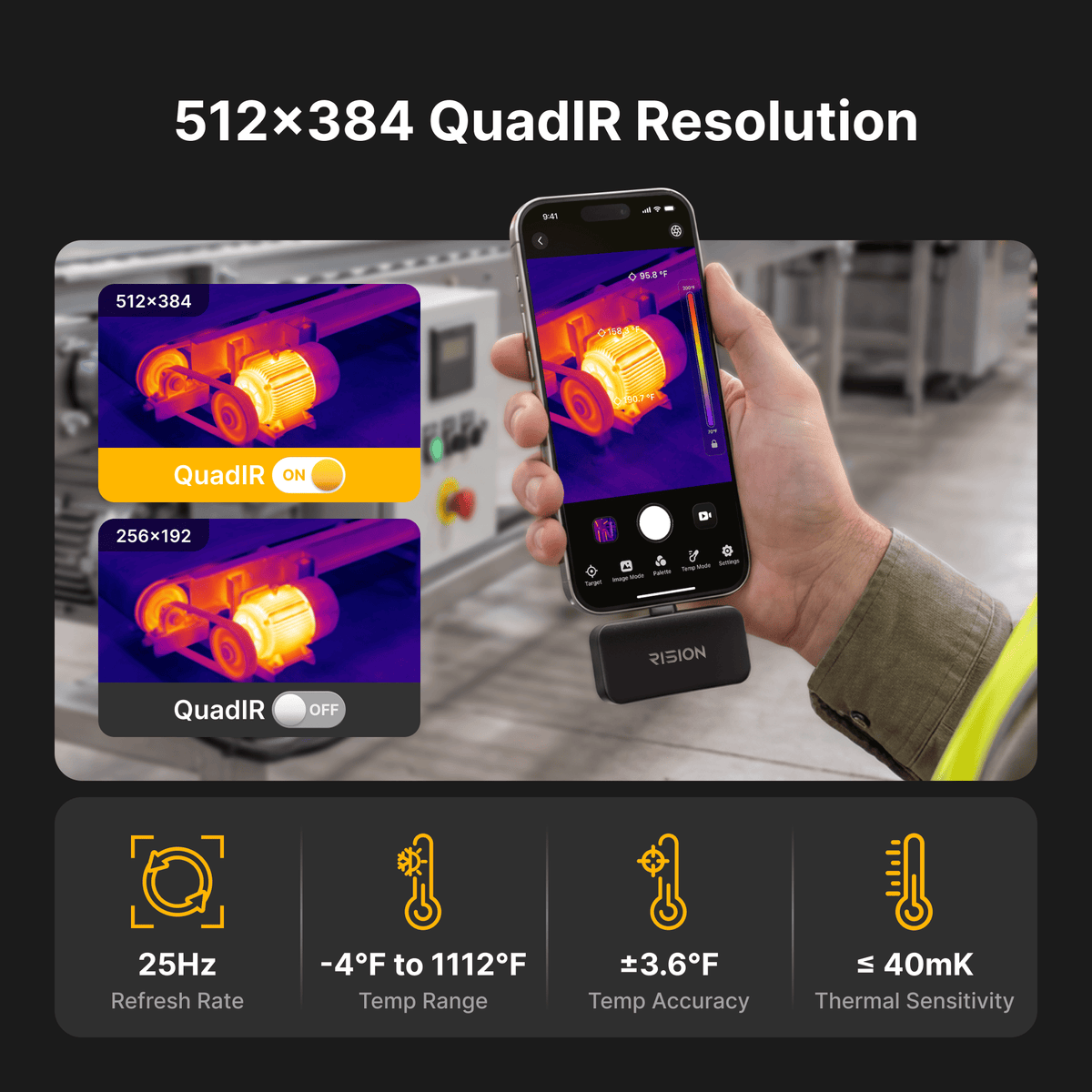
- 512 × 384 Super Resolution · ≤40mK NETD · 25Hz: Reveal subtle heat patterns in electronics and components.
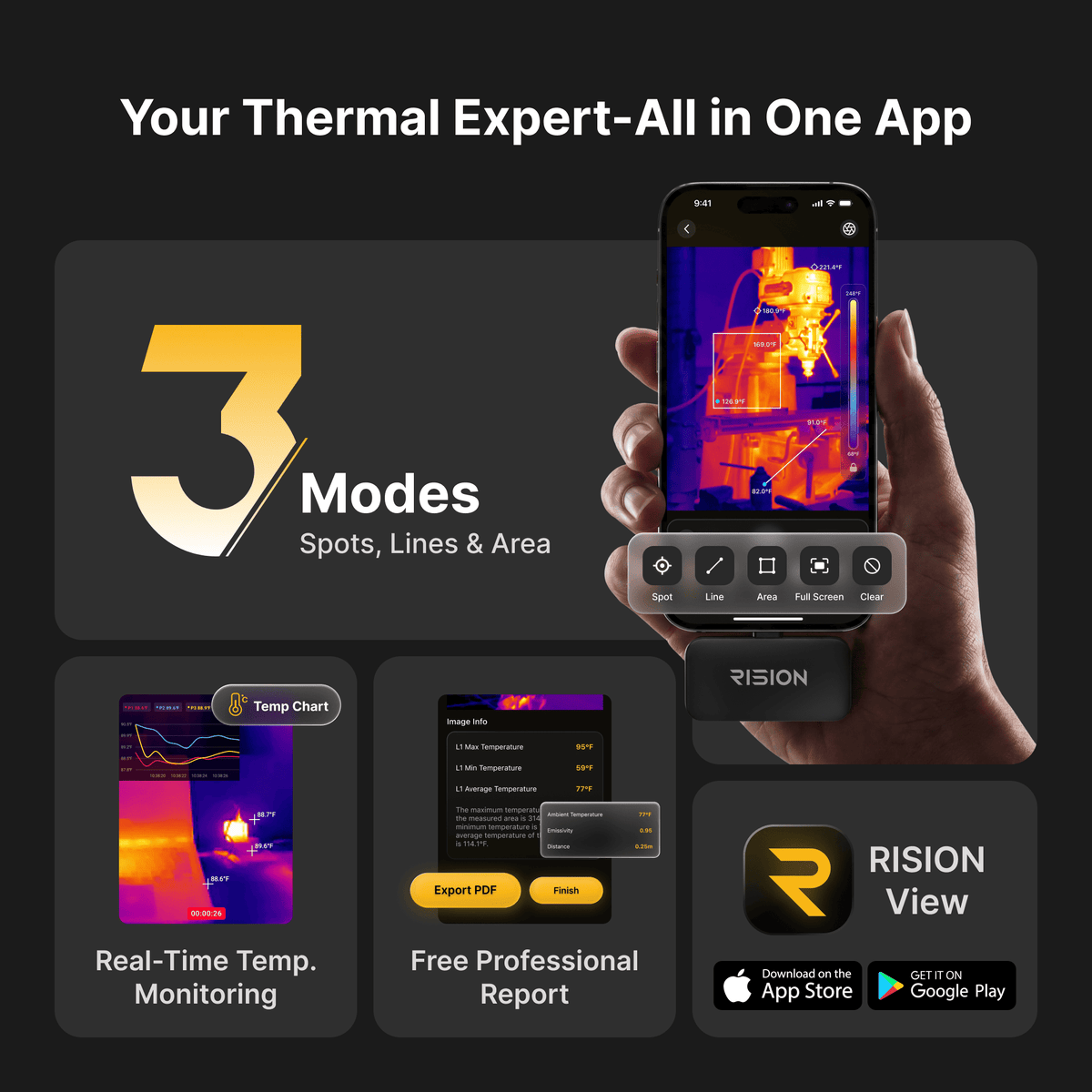
- 5-Point, 5-Line & 5-Area Measurement: Check multiple spots at once for a more complete thermal picture.
- -4℉ to 1112℉ · ±2°C or ±2% Accuracy: Measure temperatures from circuit boards to heating equipment.
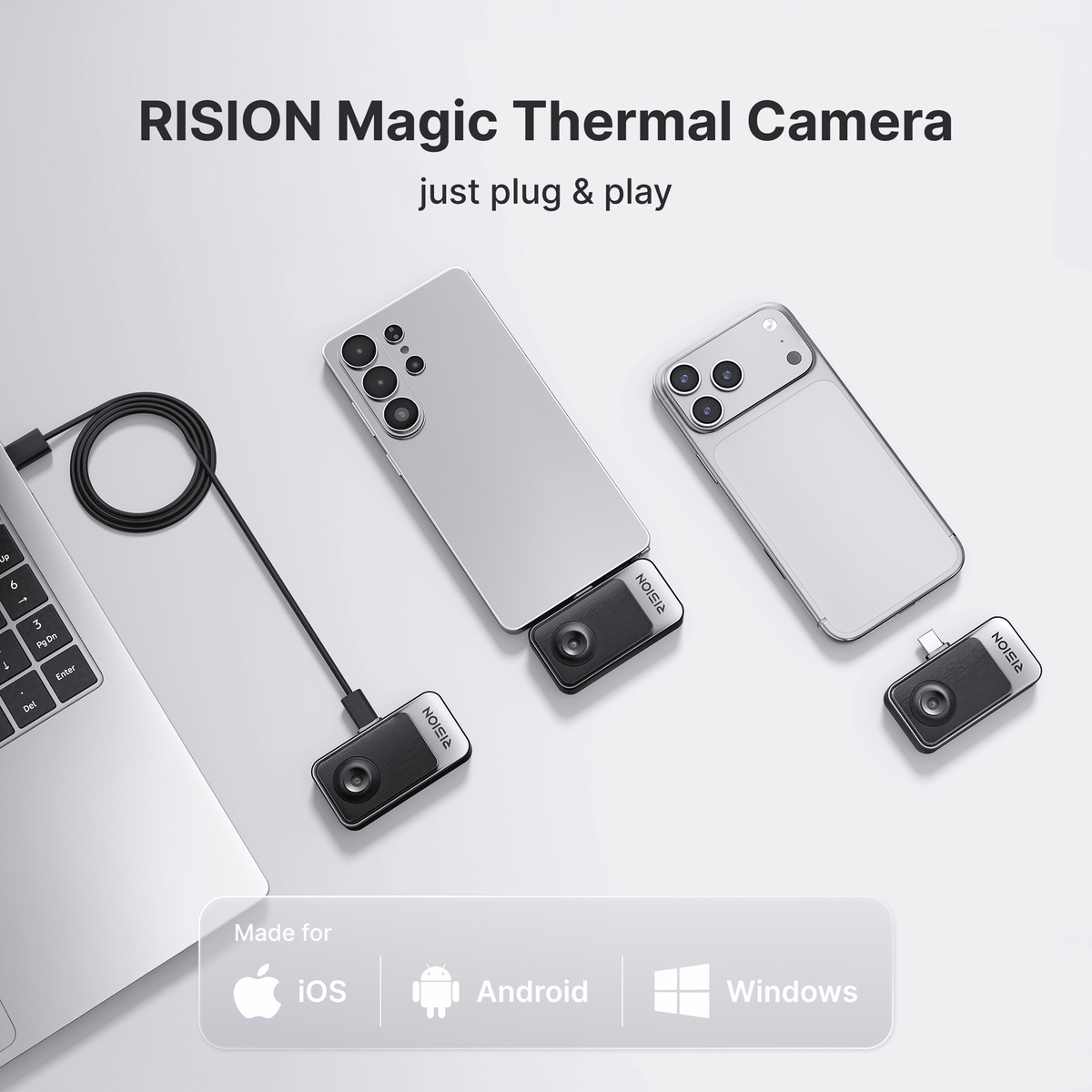
- USB-C for Android, iOS & Windows: Plug into your compatible phone, tablet, or PC for quick inspections. Not compatible with Lightning.
Get professional thermal imaging at an entry-level price. RISION Magic Pro features 512×384 resolution, ≤40mK NETD, and ±2°C accuracy.
YOU MAY ALSO LIKE
Standalone InspectionFlexible StorageAutomatic Alert
Fast Delivery
2 Years Warranty
Lifetime technical support
30-Day Money back
Payment Methods


Delivery Method


RISION Magic Pro Thermal Camera for Phone | 512×384 Super Resolution
Sale price$199.00
Regular price$299.00
See What Our User Say
@Determination Unbound
We Pointed a Thermal Camera at Our RV… It Exposed Everything
@hauntedhalloweenguy
WHAT IS HIDING IN MY HAUNTED HOUSE?! 👀🌡️
@Rision Ofiicial
Magic Pro Launch

RISION Magic Pro Thermal Camera
High-Res Thermal Camera for Pros Professional. Enhanced.
AI Dual Light
AI BiSpectrix™

(-20°C to 600°C)
-4°F to 1112°F
Temperature Range

512 × 384
QuadIR™ Resolution

Superior Image Quality
Super-Resolved to 512×384
Native 256×192 sensor. QuadIR™ algorithm upscales resolution to 512×384, delivering twice the pixel density and significantly sharper thermal details.

Before

After
≤40mK
NETD
25Hz
Refresh Rate
512 × 384
Super Resolution


Unlock next-level detail
Proprietary Single-Lens AI Dual-Light Fusion
RISION's proprietary AI BiSpectrix™ Fusion Technology aligns your phone's camera with thermal imaging in real time, enhancing details even in low thermal contrast scenes.
Explore imaging modes
SMART ANALYSIS & REPORTING
From Real-Time Detection to Ready-to-Share Reports
Analyze temperatures in real time, monitor multiple targets, and receive automatic alerts. Then capture complete thermal data, generate PDF reports, and sync records across devices. All in the RISION app.

USB-C CONNECTIVITY
iOS, Android & Windows
Plug into compatible USB-C phones and tablets, or connect to Windows PCs using the included USB-A adapter. Free and smart mobile and desktop apps.


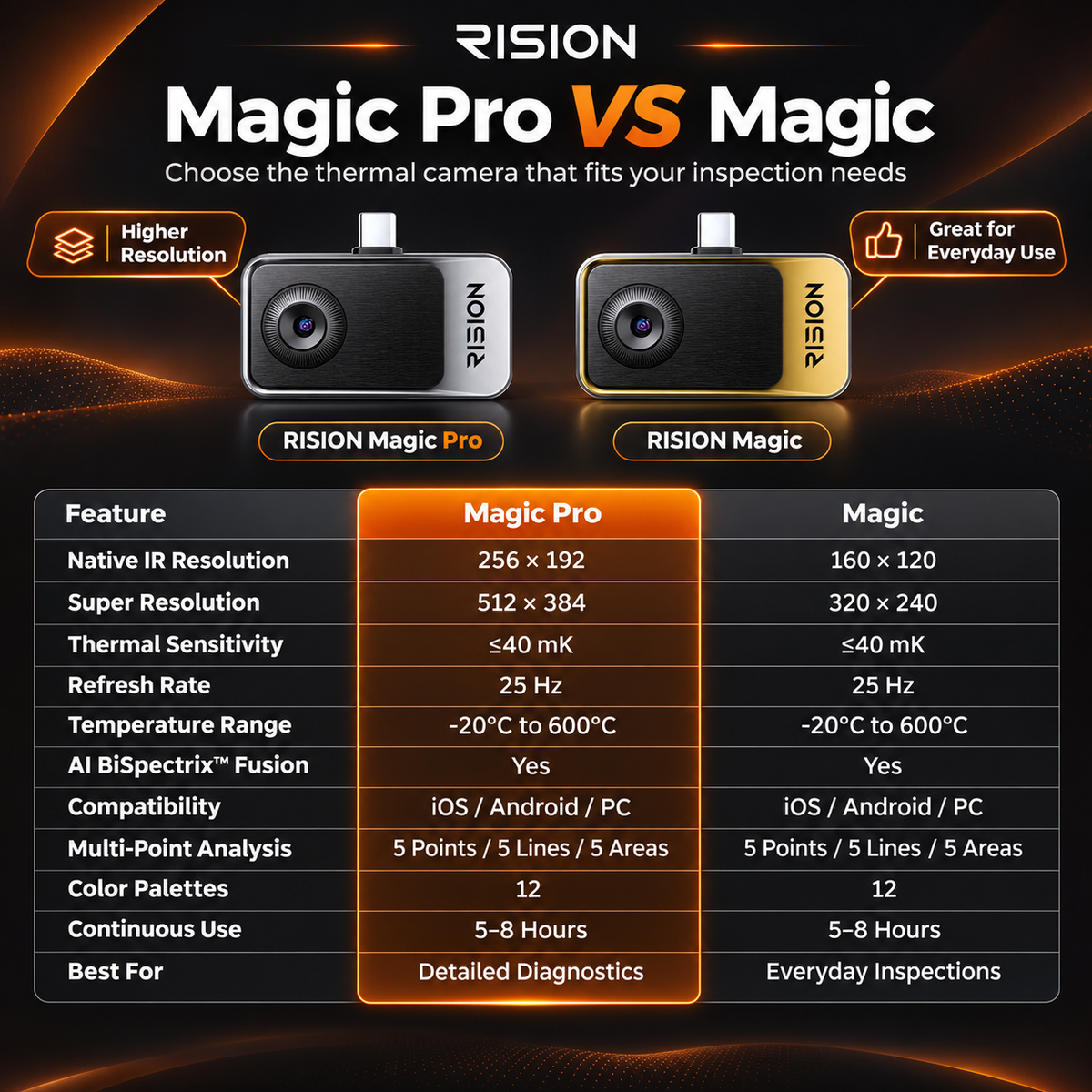
Find Your Fit
Which thermal camera fits your way?
Compare key specifications and typical applications below to find your best fit.
Native IR Resolution
160×120
256×192
QuadIR™ Enhanced Resolution
320×240
512×384
AI BiSpectrix™ Fusion
AI Dual Light
AI Dual Light
Compatibility
iOS (USB-C)/ Android / Windows
iOS (USB-C)/ Android / Windows
Best For
Everyday Inspections
Detailed Diagnostics
Applications
See Heat. Solve Problems. Anywhere.


In the Box
What's Included

- 1RISION Magic Pro Thermal Camera × 1
- 2USB-C Extension Cable × 1
- 3Carrying Pouch × 1
- 4Quick Start Guide × 1
See RISION Magic in Action
Unboxing Video
Software & Support
APP for Your Devices · User Manual


Technical Specifications
Product Specs
| Parameter | RISION Magic Pro (AF02) |
|---|---|
| Native Resolution | 256 × 192 |
| Super Resolution | 512 × 384 |
| Pixel Pitch | 12μm |
| NETD | ≤ 40 mK |
| Frame Rate | 25 Hz |
| Measurement Range | -4°F ~ 1112°F (-20°C ~ 600°C) |
| Temp Accuracy | ±2℃ or ±2% of the reading |
| Operating Temperature | -10~55°C |
| Compatibility | Android / iOS / Windows |
| Connector | USB-C |
| Infrared Core | QuadIR™,AI BiSpectrix™ |
| Effective Measurement Distance | Within 5 m / 16.4 ft |
| Size (L x W x H) | 60*42*10mm |
| Device Weight (g) | 24g |
| Continuous Runtime | 5-8h |
| Power Consumption | 0.32W |
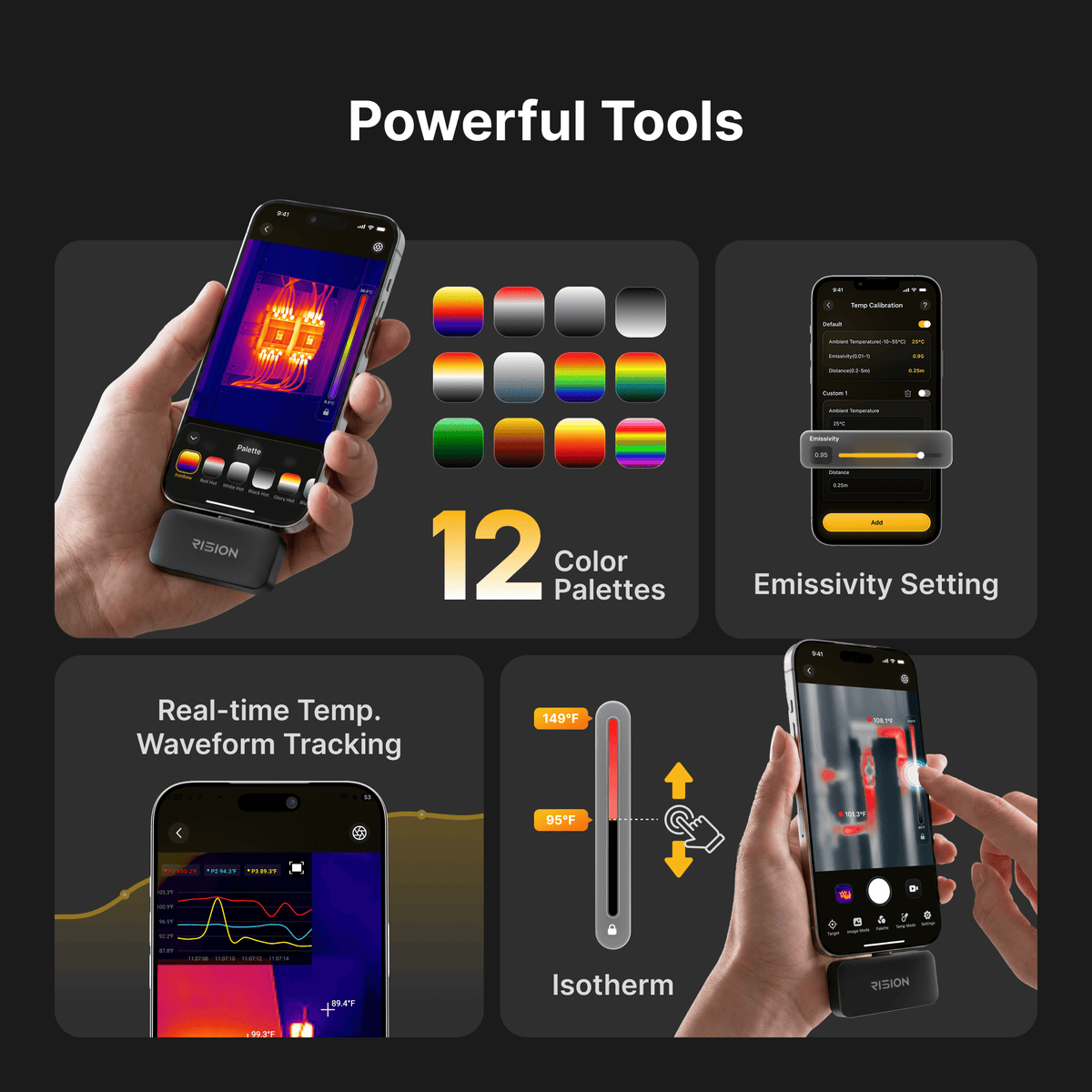
| Color Palette | 12 |
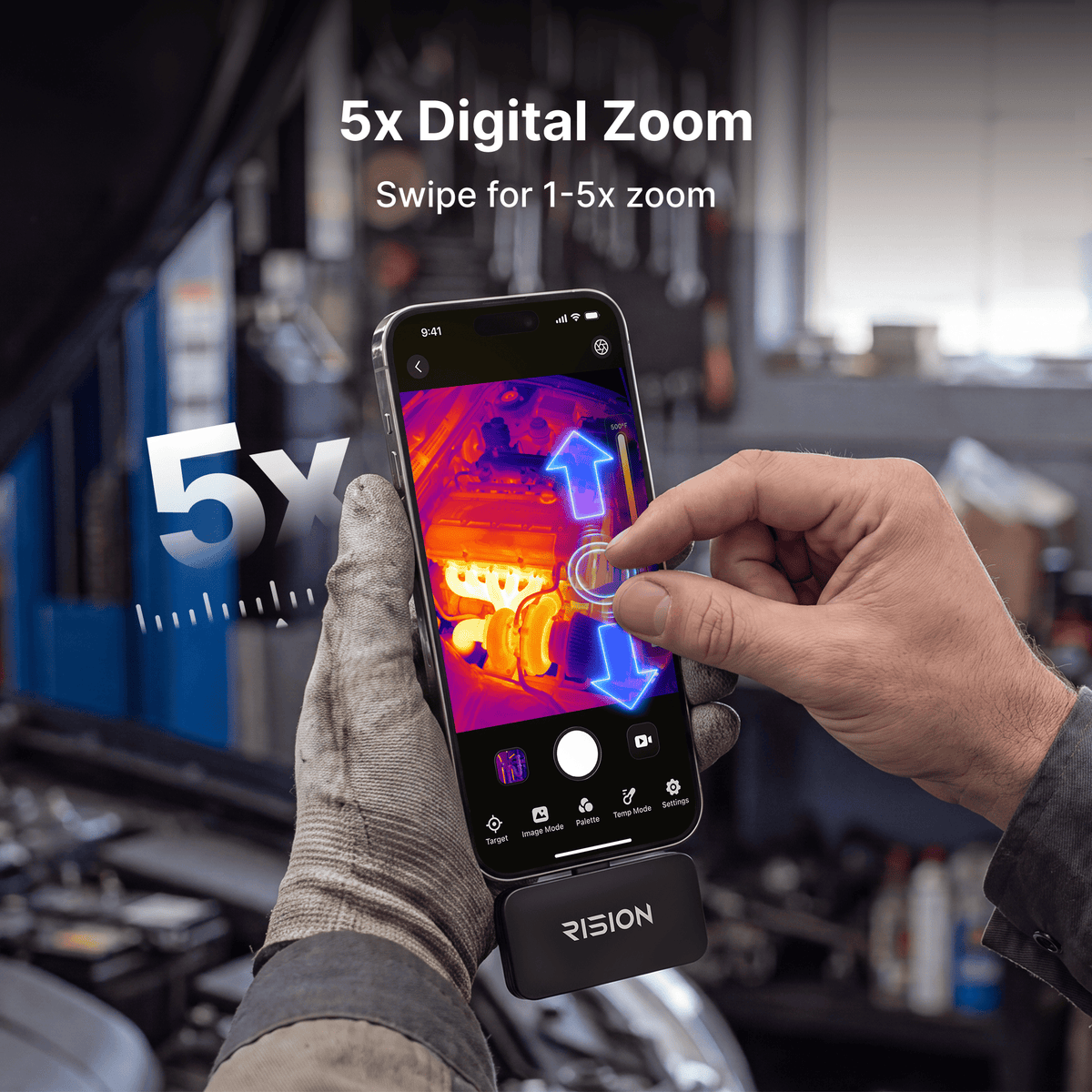
| Digital Zoom | 5x |
| Focal Length | 3.2mm |
| FOV | 56°*42° |

24-Month Warranty

30-Day Return

Free Fast Shipping

Professional Support
Support
RISION Magic Pro FAQ
RISlON Magic Series provides accurate temperature measurement within 5 meters. For optimal measurement accuracy, keep the target within this range and set the actual measurement distance in the Temperature Calibration settings in the RISION View App. Beyond 5 meters, measurement accuracy may decrease due to environmental conditions and other factors.
If there is no pop-up, no image, or the device is not recognized, first make sure you are using the appropriate RISION Magic Series version for your mobile device and that you have installed the latest official app. Then confirm that the required system permissions are enabled, including USB access and camera permission.
Intermittent image disconnection or freezing is usually caused by an unstable connection, poor connector fit, phone case interference, device compatibility issues, or hardware malfuction. Please try the following troubleshooting steps when encountering this issue: remove the phone case, reconnect the device firmly, check whether the connector feels loose, and test with another compatible phone or computer. If the issue persists across multiple devices, please contact RISION Support with your device model, system version, software version, and a short video demonstrating the issue. We will provide further technical and after-sales support to help resolve the issue.
The device has a built-in physical shutter. When the shutter operates, you may hear a clicking sound, and the live feed may pause for about 0.5 seconds. The shutter calibrates automatically at regular intervals to maintain temperature measurement accuracy. When the device is connected to the phone for the first time, the shutter may operate several times in succession before stabilizing to a lower frequency.
If temperature measurement accuracy is not your priority, you can turn off the auto shutter in the app under Profile > Settings. After turning off the shutter, you can still manually trigger calibration by tapping the shutter control in the app when needed.
Spots or circular artifacts may be caused by lens contamination, incomplete shutter calibration, or sensor imaging issues. Gently clean the lens with a suitable soft cloth, then refresh or recalibrate the shutter in the app if the function is available. If the mark remains fixed after cleaning and recalibration, please contact RISION Support for further diagnosis.
These symptoms may be caused by incomplete shutter calibration, an unstable connection, app/device compatibility issues, or sensor damage after prolonged close-range exposure to extremely hot targets. Please try refreshing the shutter, reconnecting the device, and testing with another compatible phone or computer. Please avoid pointing the camera at extremely hot targets at close range for an extended period. If the issue persists on multiple devices, please contact RISION Support.
Thermal image clarity can be affected by focus, shutter calibration, target distance, environmental conditions, and the performance of the connected device. To optimize clarity, refresh the shutter, adjust focus if your model supports manual focus, keep a suitable inspection distance, and make sure the lens is clean. On older or lower-performance phones, advanced image enhancement may be limited. Testing the device with a newer compatible device can help confirm the cause.
RISION Magic Pro is designed to provide reliable thermal readings for inspection and troubleshooting, with temperature measurement accuracy of ±2℃ or ±2% of the reading under appropriate conditions. Actual accuracy may vary depending on the target material, emissivity, measurement distance, ambient temperature, humidity, reflections, and whether the correct measurement parameters are used. You can adjust relevant parameters in the app settings.
Minor variances are normal in thermal measurement. Surface temperature is not always the same as internal temperature, and objects made of different materials have different emissivity. For more reliable readings, set the correct emissivity in the app, maintain a stable measurement distance, avoid highly reflective surfaces when possible, and allow the camera and target environment to stabilize before measuring.
Hottest and coldest indicators may be affected by reflections, moving targets, rapid ambient temperature changes, incorrect settings, or the app calibration status. When encoutering this issue, restart the app, refresh the shutter, ensure a stable scene, and test again. If the indicator remains inaccurate in a stable scene across multiple devices, please contact RISION Support.
M
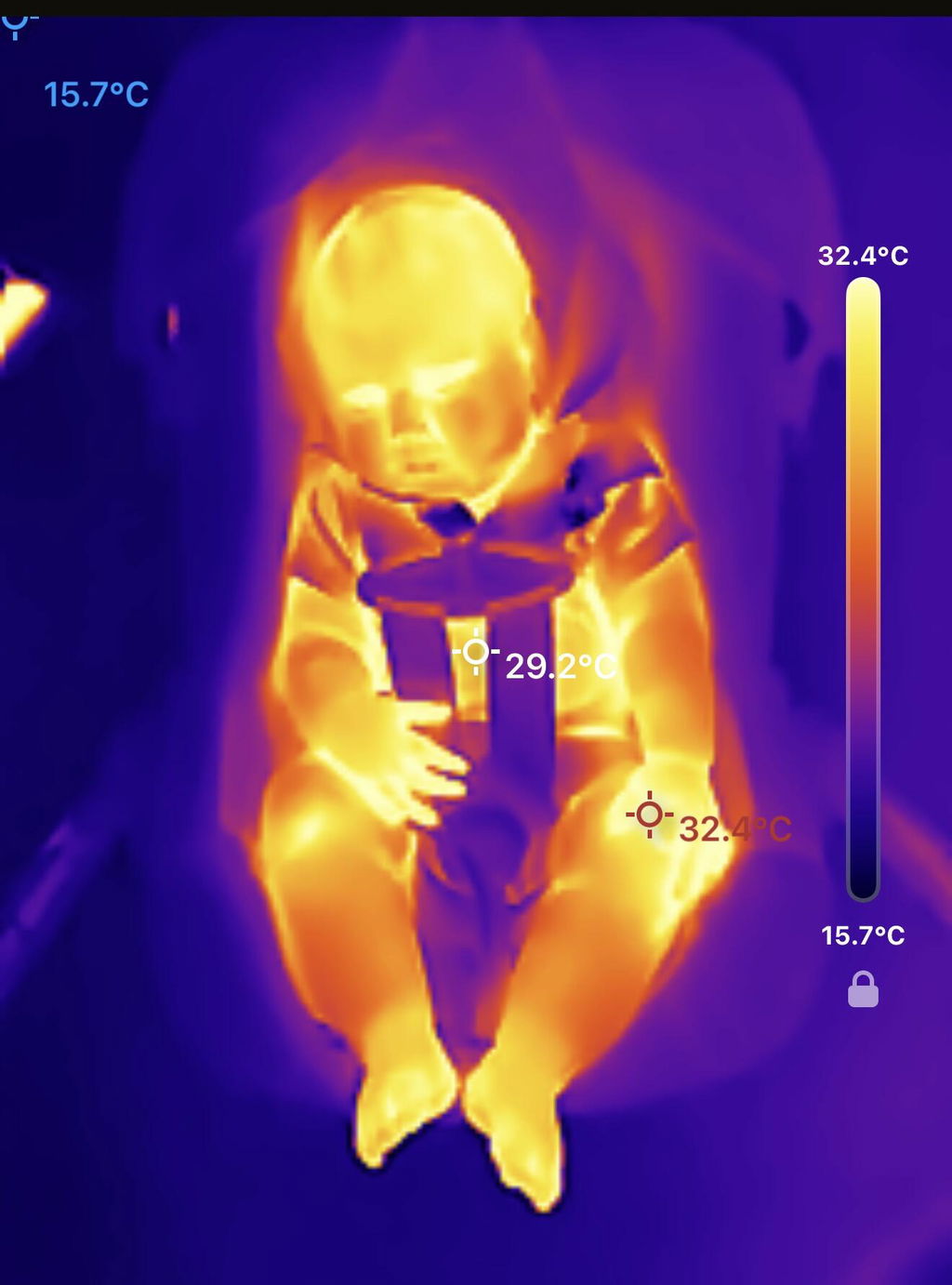
I was definitely impressed by its detail, I’ve used other types in the past and found it hard to see definitive details. Not only did it show high resolution but also showed the temperature of each area.
T
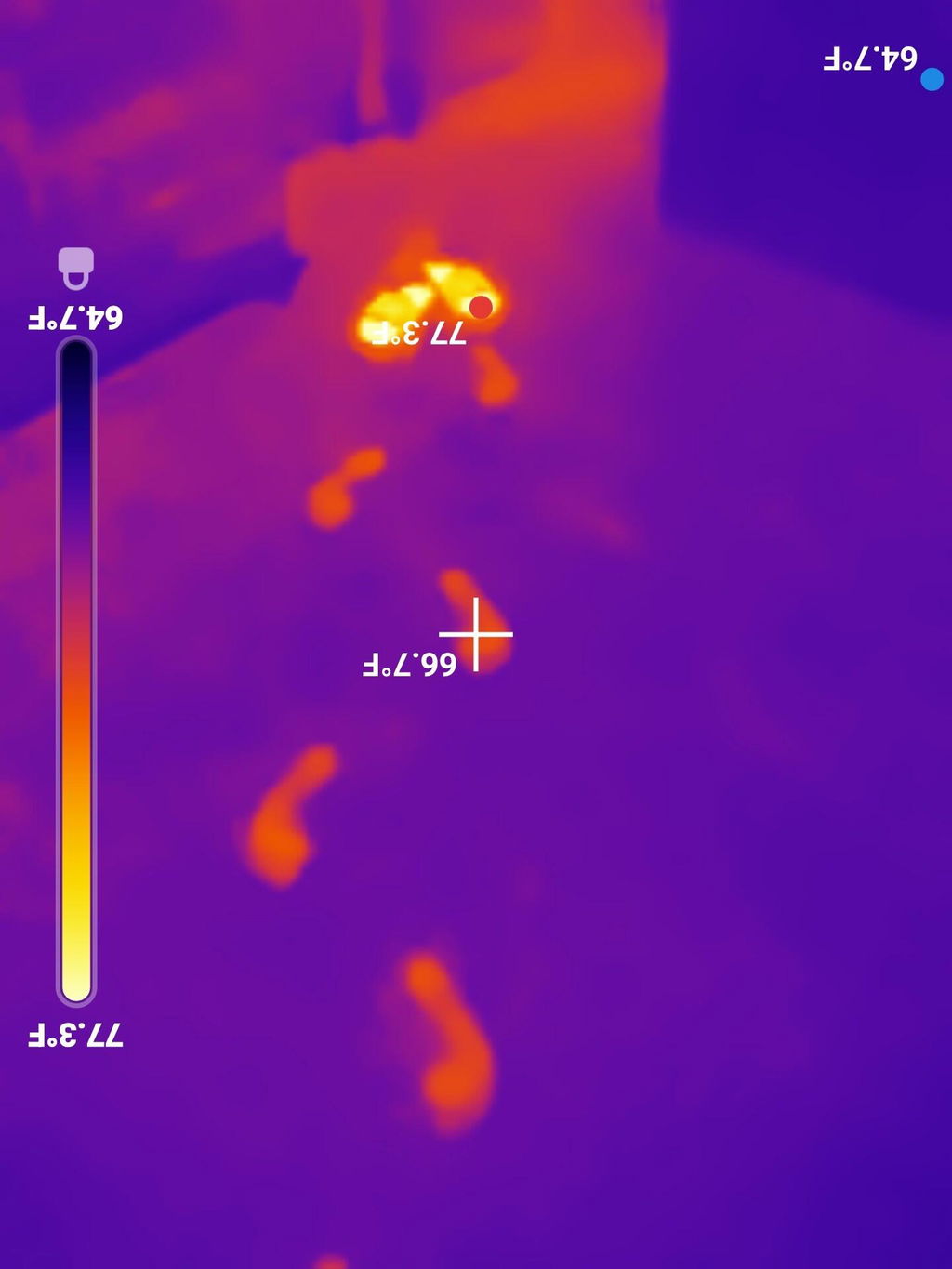
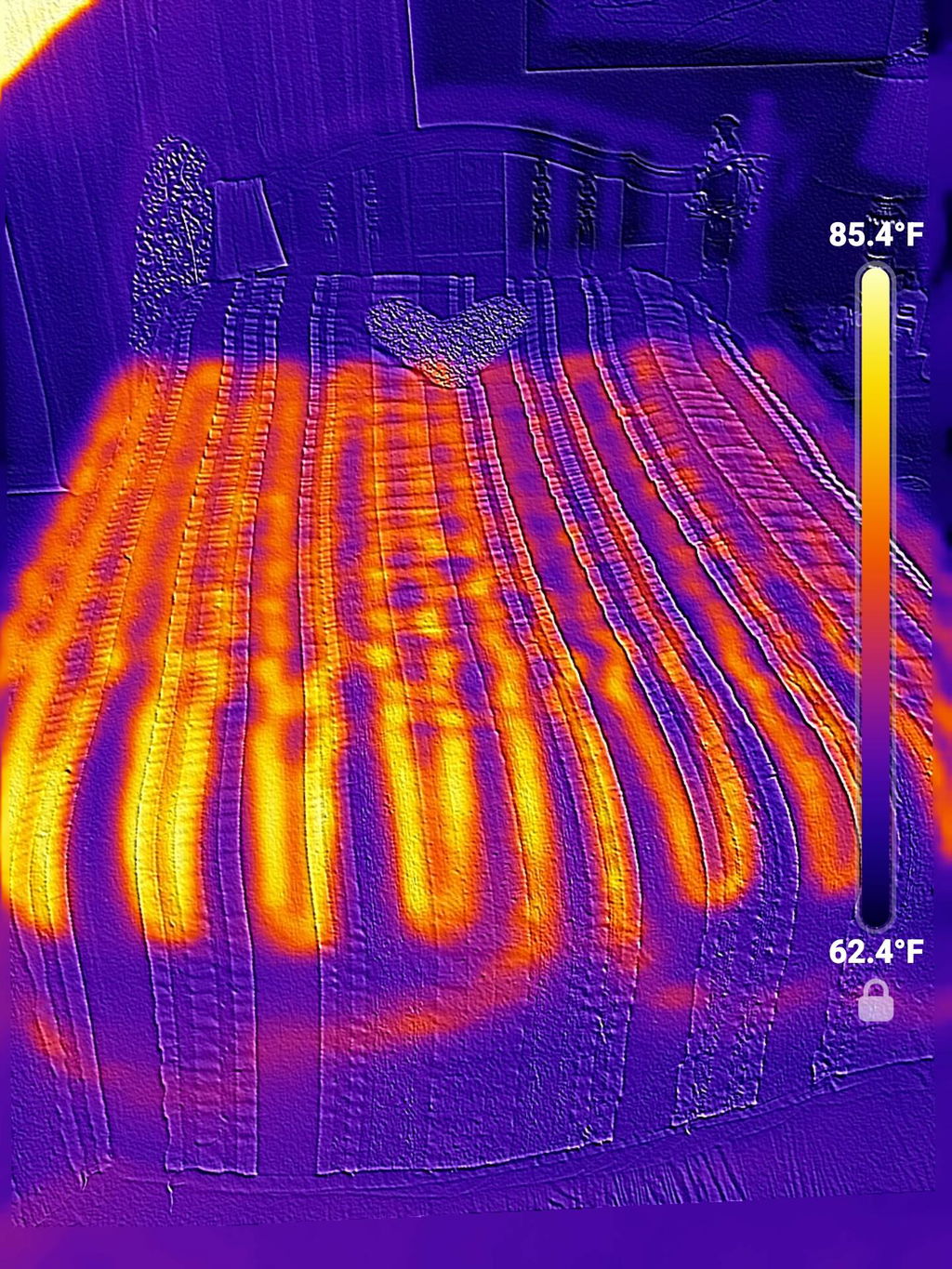
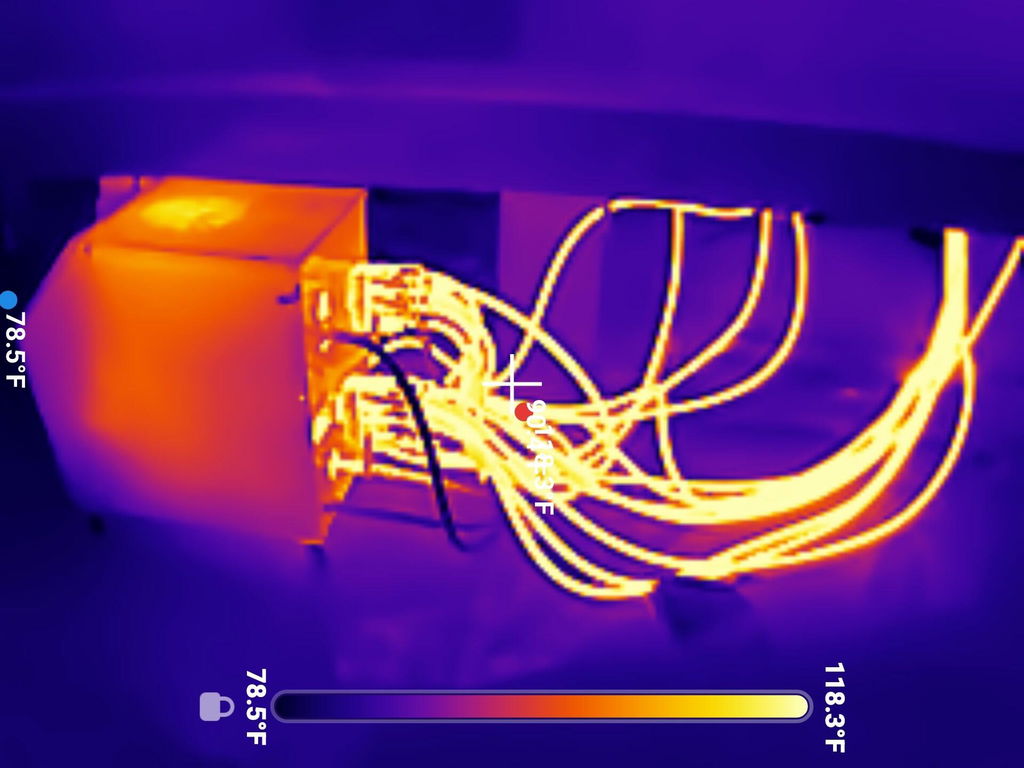
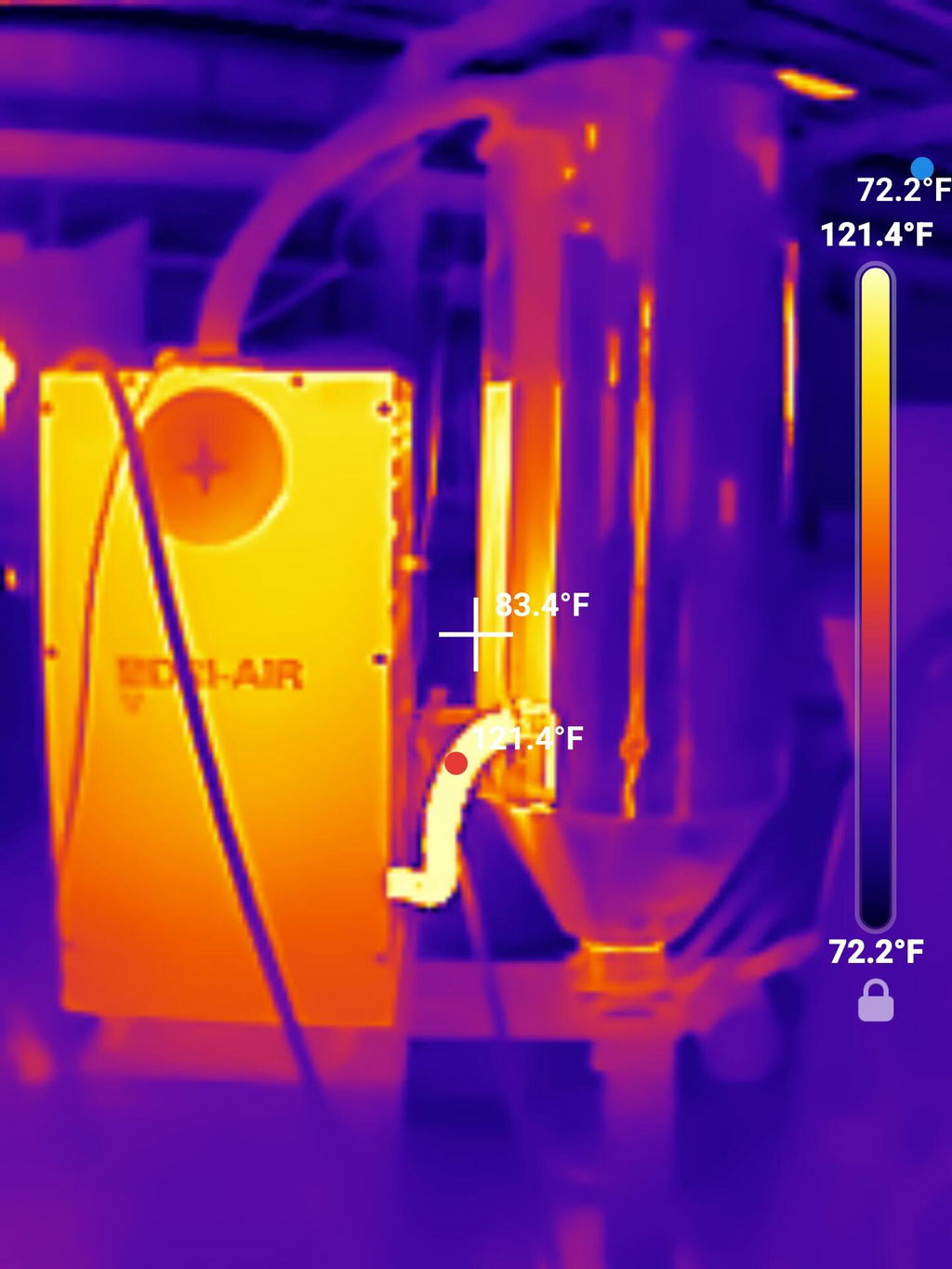
This is my first thermal camera so I have nothing to compare it against but... it really seems to be a good one. The resolution is excellent. The response time is excellent. The functionality in the app is excellent. It's a learning experience but I'm trying at work with injection molding machines and associated support equipment to look for blocked or low flowing hoses. The temperature readings seem to be as expected so far, but I'm still learning about emissivity and how that affects readings. I'm trying at home for energy efficiency and seeing cold spots in my ceiling. I took off my shoes to see footprints that I left behind on hardwood floors. The little hard-sided zipper case that comes in is well padded and secure. It doesn't make you register an account to use it but there is an option for that which I'm still exploring. The only quibble I've had is that the temperature read-out on the screen (I'm on Android) can get lost in the background color. You can change the text color but maybe an outline font would show up in any situation. Also, there's very no metadata recorded with the file; just the file resolution. Overall I'm very happy with the product, especially for the price.
A
I like everything about it so far. Still learning how to use it.
F
Order was shipped to the WRONG address! The correct shipping address was listed multiple times in multiple locations, and they still SHIPPED TO THE WRONG ADDRESS! NOT impressed!
N
6 Stars for user defined, fixed temperature scale in addition to auto scaling.
However the 4 star rating because it could be improved if it had some kind of macro capability for electronic circuit board diagnosis
J
Really interesting information. Find the cold spots on your house. So simple to use, download app, plug it in, see the images.
J
Everything worked out great!